Fixing NuGet Error: Unable to Load the Service Index for Source
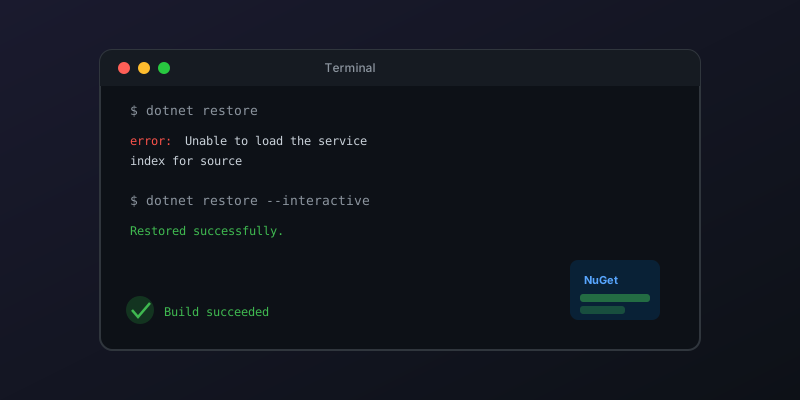
You set up a new .NET project, run dotnet restore, and hit this:
Unable to load the service index for source https://pkgs.dev.azure.com/...
This error blocks your entire build. Here is how to fix it systematically.
Common Causes and Fixes
1. Authentication Issue (Most Common)
If the source is an Azure DevOps Artifacts feed, you likely need to authenticate:
# Install the credential provider
dotnet tool install -g Azure.Artifacts.CredentialProvider

# Clear cached credentials and re-authenticate
dotnet nuget locals http-cache --clear
dotnet restore --interactive
The --interactive flag opens a browser-based auth flow. After authenticating once, credentials are cached for future restores.
2. Incorrect or Stale nuget.config
Check your nuget.config files — NuGet reads them from multiple locations:
# Show which config files are being used
dotnet nuget config paths
Common locations:
./nuget.config(project-level)~/.nuget/NuGet/NuGet.Config(user-level)- System-level config
Look for a <packageSources> entry pointing to a feed URL that no longer exists or that you don't have access to:
<packageSources>
  <add key="nuget.org" value="https://api.nuget.org/v3/index.json" />
  <add key="MyFeed" value="https://pkgs.dev.azure.com/org/project/_packaging/feed/nuget/v3/index.json" />
</packageSources>
Remove or fix any invalid sources.
3. Network or Proxy Issues
Behind a corporate proxy:
# Set proxy in nuget config
dotnet nuget config set http_proxy http://proxy.company.com:8080
dotnet nuget config set http_proxy.user YOUR_USERNAME
Or test connectivity directly:
curl -I https://api.nuget.org/v3/index.json
If this fails, it is a network issue — not a NuGet issue.
4. SSL Certificate Problems
Common in corporate environments with certificate inspection:
# Trust the dev certs
dotnet dev-certs https --trust

# If using a custom CA, export and add it
# (check with your IT team for the root CA cert)
5. Feed Actually Down
Sometimes the feed is genuinely unavailable. Check:
If a private feed is down, you can temporarily restore from cache:
dotnet restore --no-http-cache --source ~/.nuget/packages
Quick Diagnosis Checklist
- Can you reach the feed URL in a browser? (auth/network issue)
- Does
dotnet nuget list sourceshow the correct feeds? - Does
dotnet restore --interactiveresolve it? (credential issue) - Does removing the private feed and restoring from nuget.org work? (feed-specific issue)
Key Takeaway
90% of the time this error is an authentication problem. Run dotnet restore --interactive first — it solves most cases in under a minute. Only dig deeper if that doesn't work.
Comments
No comments yet. Be the first!